
When people first hear “Activity Recorder,” the first reaction is often:
“Is this monitoring me?”
“Is it saving my screen all the time?”
“What about my privacy?”
So we want to explain this clearly, in plain language.
Ghast AI is not trying to be just another chatbot. Our goal is to build a desktop AI Agent that can actually work with you.
And there is a big difference between the two.
A normal chatbot only understands what you type into the chat box.
A real desktop Agent should understand what you are doing.
You might be reading a webpage, debugging an error in the terminal, editing a document, checking a design file, switching between apps, or trying to continue a task from a few minutes ago.
If you have to explain everything from scratch every time:
“I was looking at this page.”
“I got stuck on this error.”
“Continue from what I was doing earlier.”
Then the AI is not really part of your workflow. It is just a passive answer box.
That is why Ghast AI needs a way to understand the “scene” around your work.
This is what the Activity Recorder is for.
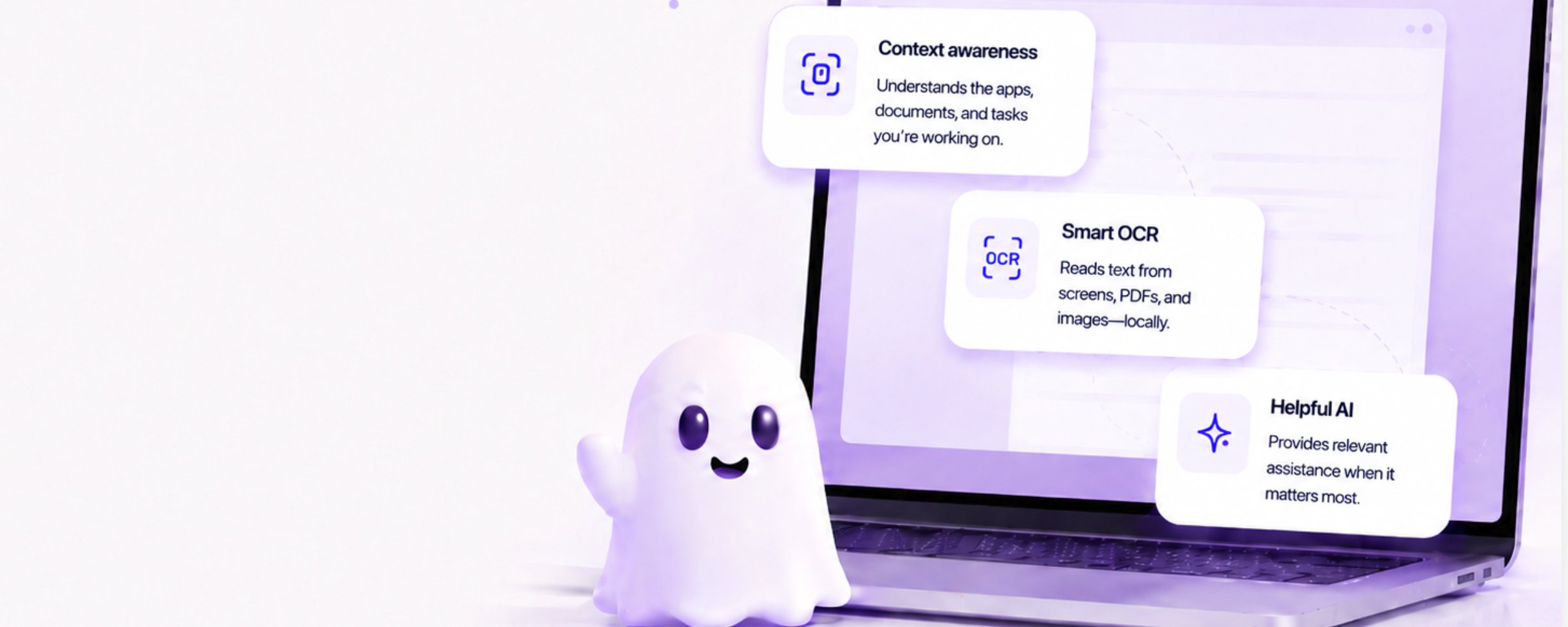
In simple terms, the Activity Recorder periodically looks at your screen, recognizes visible text locally, and helps Ghast understand what you are working on.
But this distinction is extremely important:
Ghast AI is not turning on “surveillance” by default.
Ghast AI is turning on “context awareness” by default.
The goal is not to record everything you do.
The goal is to make sure the AI does not act like a stranger with no memory whenever you ask for help.
For example, when you ask Ghast AI:
“Can you help me fix this error?”
“Summarize what I was just reading.”
“Continue the task I was working on.”
“Where was that thing I just saw?”
If the AI has no idea what was on your screen, it has to ask you to copy, paste, describe, and explain everything again.
With basic activity context, Ghast AI can understand your intent more naturally and reduce the amount of manual explanation you need to provide.
This is one of the biggest differences between the next generation of AI Agents and traditional AI assistants.
A truly useful Agent should not only wait for instructions.
It should understand your working context and help at the right moment.
And this is not just Ghast AI is view.
Apple, OpenAI, Anthropic, and Google are all moving in this direction: AI needs to understand screen content, user context, and cross-app workflows.
Apple Intelligence is putting more emphasis on on-device intelligence and screen understanding.
OpenAI’s Operator and Anthropic’s Computer Use also point to the same conclusion: if AI is going to help people operate computers and complete real tasks, it needs to understand the interface in front of the user.
We believe visual context will become a standard capability for the next generation of Agents.
But we also know this must be handled very carefully.
Your screen may contain private chats, verification codes, wallet information, API keys, documents, customer data, personal photos, banking pages, or password managers.
That is why Ghast’s design principle is not “collect as much as possible.”
Our principle is:
Useful by default, but restrained by default.
Context-aware by default, but not saving everything by default.
Local-first by default, not built around uploading raw screen content.
The Activity Recorder is designed to recognize screen text locally on your device first.
By default, screenshots are not meant to become a permanent visual history. They are temporary input: look, recognize text, extract useful context, then help the AI understand your current work state.
In other words, what we want to preserve is not “photos of your screen.”
What we want to preserve is useful work context.
Those are very different things.
One feels like surveillance footage.
The other feels like working memory.
Ghast AI is building the second one.
For privacy, our principles are clear.
First, process locally whenever possible.
Screen recognition and context extraction should happen on your own device first. Raw screen content should not be treated as something that is uploaded by default.
Second, do not treat screenshots as long-term assets by default.
The main value of the Activity Recorder is helping the AI understand your current context, not building a complete visual archive of your screen.
Third, users must stay in control.
You can turn the Activity Recorder off. You can clear records. We will continue improving pause controls, deletion controls, and sensitive-app exclusion.
Fourth, sensitive information needs special protection.
Private keys, API keys, tokens, seed phrases, bank card numbers, and similar high-risk content should be detected and redacted as much as possible before they become searchable context.
Fifth, the data belongs to the user.
Ghast’s long-term direction is not to turn user data into platform-owned assets. It is to make personal memory, context, and workflows belong to the user.
This is also why we are building a desktop client, a local-first architecture, and a personal Agent instead of just another cloud chatbot.
We understand that “turning on the Activity Recorder by default” may sound sensitive.
But once explained clearly, the problem it solves is very real:
If AI cannot understand your working environment, it will always remain stuck in the old pattern of “you ask, it answers.”
We want Ghast to become something different:
A companion that understands your work,
not a support bot you have to retrain every time.
The Activity Recorder helps Ghast understand what you were just doing.
Local OCR keeps this process on your device as much as possible.
Not saving screenshots by default prevents it from becoming screen surveillance.
User controls such as disable, clear, and pause keep the choice in your hands.
We believe the future of AI Agents is not just about better chat.
It is about better context.
A good Agent should know where you got stuck, what you are working on, when to help, and when to stay quiet.
That is why Ghast AI turns on the Activity Recorder by default.
Not to see everything about you.
But to understand what you are doing when you need help.
Ghast AI is not trying to build a smarter chat box.
We are building an AI Agent with working memory, real context awareness, and respect for user privacy.